
Treasure Maths: a free times tables game with no ads and no login
Cover illustration made for this page. The game itself is shown in the screenshots below.
Times tables stick with short, regular practice. The hard part is getting a child to want that practice.
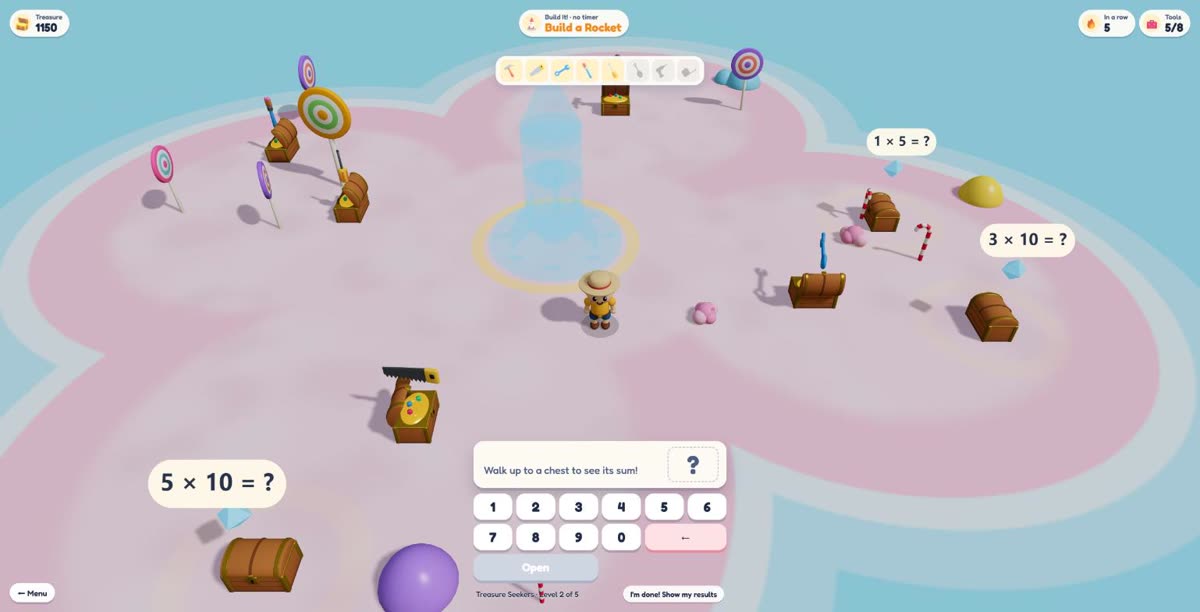
So I built Treasure Maths, a 3D game where every treasure chest is locked with a sum. Your child walks a little explorer around an island, reads the sum on a chest, types the answer and the chest pops open. Every chest is one more times tables question answered, and it does not feel like a worksheet.
It is free. There are no adverts, nothing to buy and no account to create. Open the page and play.
Why I built another maths game
There are plenty of free maths games online. Most of them pay for themselves with adverts, pop-ups or a sign-up wall, which is a lot of noise for a seven-year-old who is meant to be thinking about 6 × 8.
I wanted something I would be happy to hand to a child without checking over their shoulder:
- It is actually maths. A chest only opens with the right answer. The exploring is the reward, not a distraction from the work.
- Nothing to click away to. No adverts, no shop, no links out of the game while a child is playing.
- No login. Children never type a name or email. Settings and best scores stay in your own browser.
The site counts visits with Google Analytics, with advertising features switched off. The details are on the game's privacy, terms and credits page.
How to play Treasure Maths
No instructions to read first. A first game takes about a minute to understand:
- Choose your island. Each island is a difficulty level, from Little Explorers (ages 5 to 7, the 1, 2, 5 and 10 times tables) up to Map Legends (all twelve tables, including division and missing numbers).
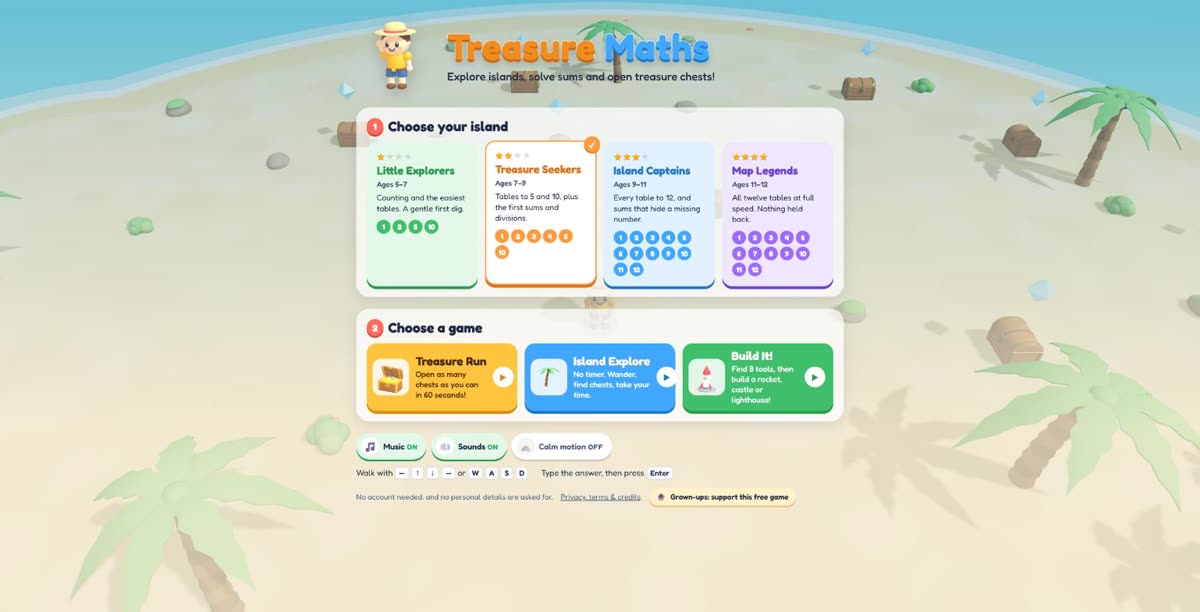
The menu: pick an island, then pick a game. - Choose a game. Treasure Run, Island Explore or Build It! (more on these below).
- Walk to a chest. On a phone or tablet, tap a chest and the explorer walks to it, or drag your finger to steer. On a computer, use the arrow keys or W, A, S and D, or click where to go. When you get close, the chest's sum appears at the bottom of the screen.
- Type the answer and press Enter. You can also tap the number pad and the green Open button. A right answer opens the chest. A wrong one gets a gentle “uh-oh” and the chest stays shut, so you can try again.
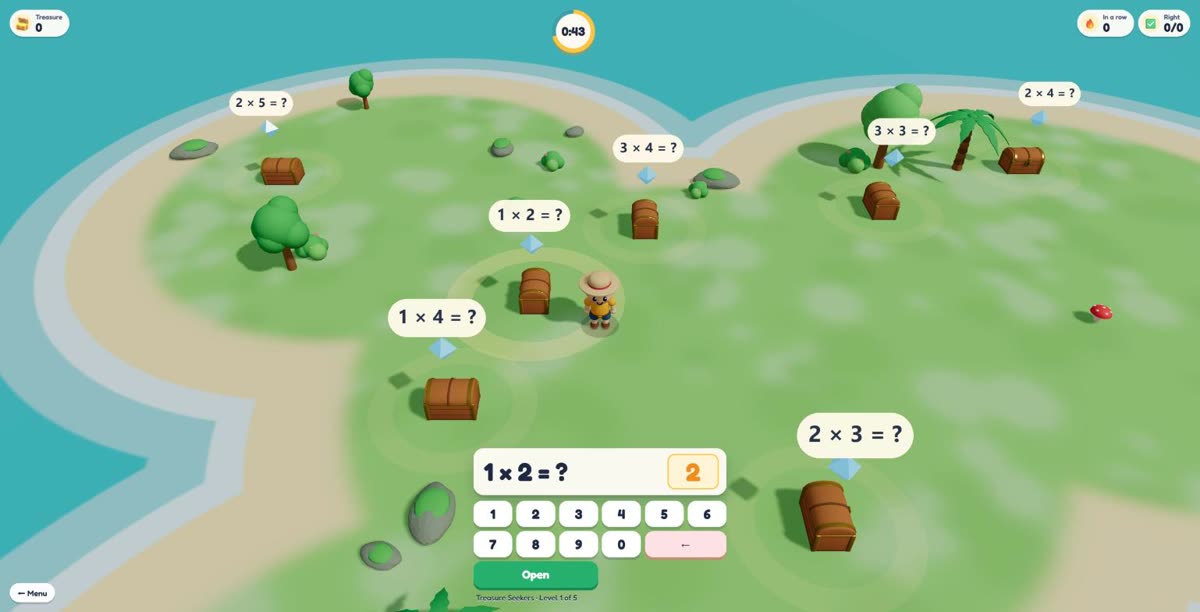
Walk up to a chest, type the answer, and it opens. - Stuck? After three misses in a row, a “Show me how” hint breaks the sum into easier steps, for example 6 × 7 is 5 × 7 plus one more 7.
- See how you did. At the end you get up to three stars, your treasure score, and a short list of the sums worth practising next, with the right answers.
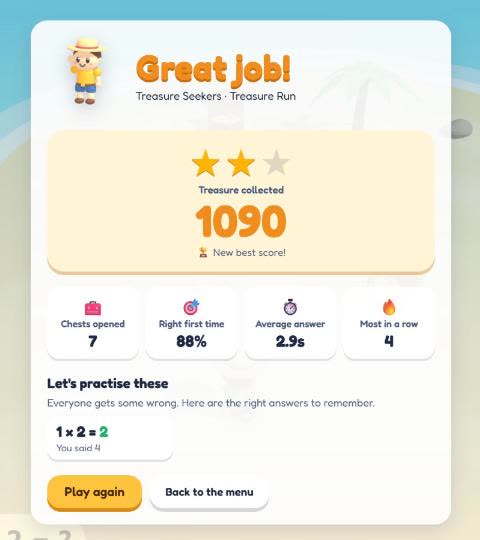
The results screen: stars, a score and the sums to practise.
Three ways to play
Treasure Run
Sixty seconds on the clock. Open as many chests as you can. Quick answers earn more treasure, and a bonus builds while you keep getting them right.
Island Explore
No timer at all. Wander the island and answer at your own pace. This is the one I would start younger children on.
Build It!
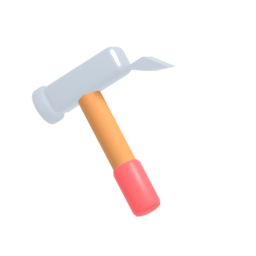
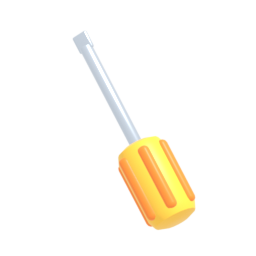
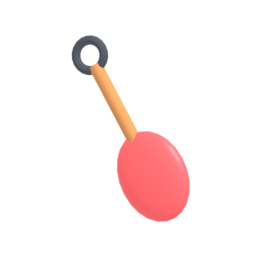
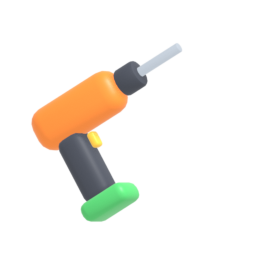
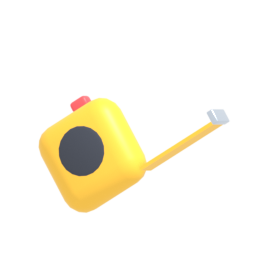
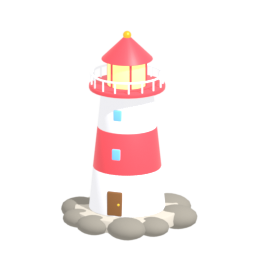
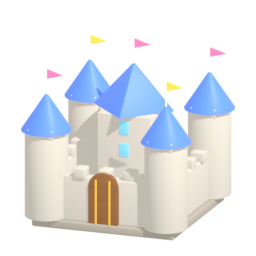
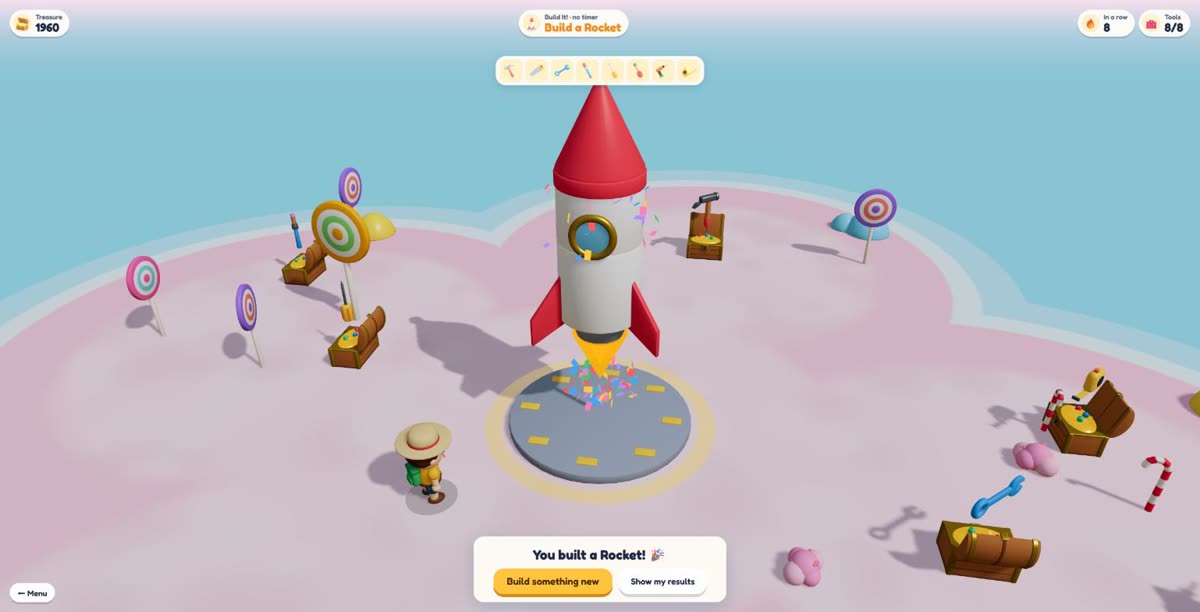
Each of the eight chests hides a tool: a hammer, saw, wrench, paintbrush, screwdriver, shovel, drill and tape measure. Find all eight, press Build, and watch a rocket, a lighthouse or a castle go up piece by piece. The rocket blasts off at the end.




A new island every game
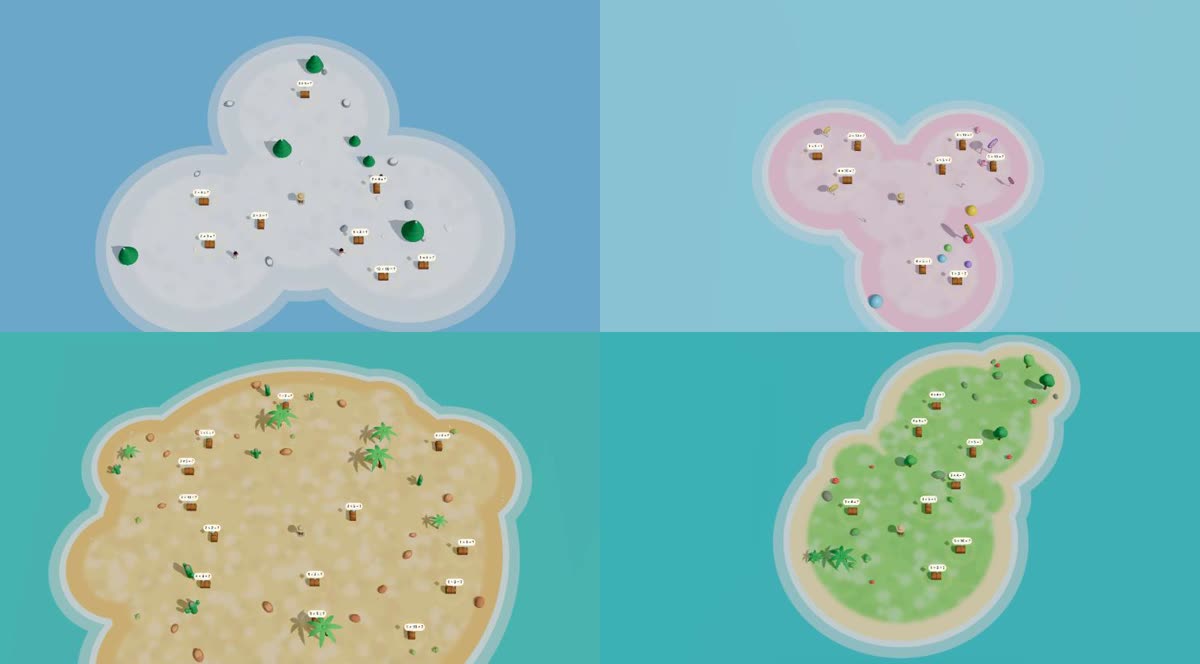
There are five island themes: Sunny Beach, Jungle Island, Snowy Island, Candy Island and Desert Oasis. Each game picks a theme and builds a fresh island shape: one big round island, two islands joined together, a winding chain, or a group of small islands linked by sandy paths. It keeps the hundredth game feeling as new as the first.
What maths does it cover?
- Little Explorers
- Ages 5–7 · the 1, 2, 5 and 10 times tables
- Treasure Seekers
- Ages 7–9 · tables 1 to 5 and 10, plus first missing-number and division sums
- Island Captains
- Ages 9–11 · every table to 12, with missing numbers and division
- Map Legends
- Ages 11–12 · all twelve tables, every question type
The game adapts inside each island. Answer several quickly and correctly and it moves on to harder kinds of question, such as 4 × ? = 28 or 56 ÷ 8. Struggle and it steps back down. It never goes past the island's own limit, so a seven-year-old is never handed division they have not met yet.
Sums your child gets wrong come back more often during the game, and sums they know well come up less, so the practice goes where it is needed.
Good to know before you start
- Device: Treasure Maths runs in a web browser with nothing to install, on phones, tablets and computers. On a phone it lays itself out for the small screen, upright or sideways.
- Sound: there is cheerful background music and sound effects. Both have an on/off button on the menu.
- Calm motion: a setting that turns down the animations for children who find movement distracting.
- Classrooms: it is free to use at home and in schools. Each child just opens the page in their own browser.
Questions parents ask
Is Treasure Maths really free?
Yes. There are no adverts, no in-game purchases and no paid version. If you want to support it, there is an optional Buy Me a Coffee link for grown-ups on the menu.
Does my child need an account or login?
No. There is no sign-up and the game never asks for a name, email or password. Settings and best scores are saved in your browser on your own device.
What age is it for?
Children aged about 5 to 12. Little Explorers starts with the 1, 2, 5 and 10 times tables, and Map Legends covers all twelve tables with division and missing numbers.
Does it work on an iPad or phone?
Yes. Tap a chest to walk to it, or drag a finger to steer, then tap the answer on the number pad. It also works on laptops and desktops with the keyboard or mouse.
How long should a child play for?
A Treasure Run lasts one minute, so a few runs make a good short session. Little and often works better for times tables than one long sitting.
Ready to open some chests?
Treasure Maths is free, ad-free and needs no login. Pick an island and start in seconds.
Play Treasure Maths nowEnjoying the game?
Buy me a coffee ☕
Everything here is free and ad-free. A coffee or a AU$1/month membership keeps new articles, games and tools coming.