If you’re building high-concurrency systems, automating tasks, or just want a reliable AI coding assistant, you’ll keep running into the same question in 2026: Should you spend thousands on a powerful GPU or Mac for local LLMs, or just pay for cloud APIs?
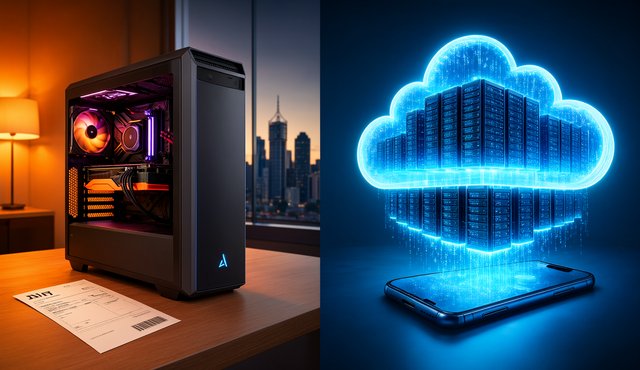
After comparing hardware specs, API costs, flat plans, and Australian compliance rules, the answer stands out. Local LLMs have a fixed cost but limited quality, while cloud LLMs cost more as you use them but offer the latest features.
Here is a breakdown of how to navigate the 2026 AI landscape as an individual developer or small team in Australia.
The Three Paths
1. The Local-Only Route (The Hardware Play)
Running models on your own machine keeps everything private, since nothing leaves your computer. This is especially important if you work with client code, personal information, or proprietary C# business logic.
But to get fast, interactive speeds (over 30 tokens per second), you’ll need powerful hardware:
- The "Free" Tier: Use your current 32GB RAM development machine. It costs nothing extra. The downside is that CPU-only generation is very slow at 5 to 20 tokens per second. It works for background tasks but not for interactive chat.
- Apple Silicon: A Mac mini M6 (24GB/512GB) costs about A$2,049. It can run 8B to 32B models at interactive speeds. If you want to use 70B models, you’ll need to upgrade to a 64GB or higher Mac Studio, which is much more expensive.
- The PC Build: Dropping an RTX 5070 Ti into your rig costs about A$1,649 for the GPU alone (a full build runs A$3,749). You get blazing speeds (92–137 t/s on 8B/12B models), but you immediately hit the 16GB VRAM wall. 32B-dense models simply won't fit without heavy quantization.
Keep in mind the running costs: with Queensland’s average electricity price (about A$0.31 per kWh), using a 400W GPU PC for 8 hours a day will add around A$1,086 to your bill over three years.
2. The Cloud-Only Route (The Frontier Toll)

Cloud services give you instant access to the latest models (like Claude Sonnet 5.5 or GPT-6.1 Sol) and huge 1 million token contexts.
If you’re building complex workflows, the cloud is hard to beat. However, billing has changed from simple pay-as-you-go APIs to flat plans and prepaid bundles:
- API List Prices: Models like Sonnet 5.5 or GPT-6.1 Sol cost US$2.00 per 1 million input tokens and US$10.00 per 1 million output tokens. If you use a lot (50 million in and 10 million out per month), you could pay about US$200 each month. DeepSeek V4.1 Flash is a great budget choice at US$0.15 and US$0.60, but you should note that it routes data through the PRC.
- Flat Plans: If you use tools like Claude Code, a Claude Pro subscription (A$34 per month) is much cheaper than paying API rates. It covers what would usually cost about US$80 per month on the API, making it about 3.4 times cheaper for both human and in-tool use.
3. The Hybrid Sweet Spot (The Winner)
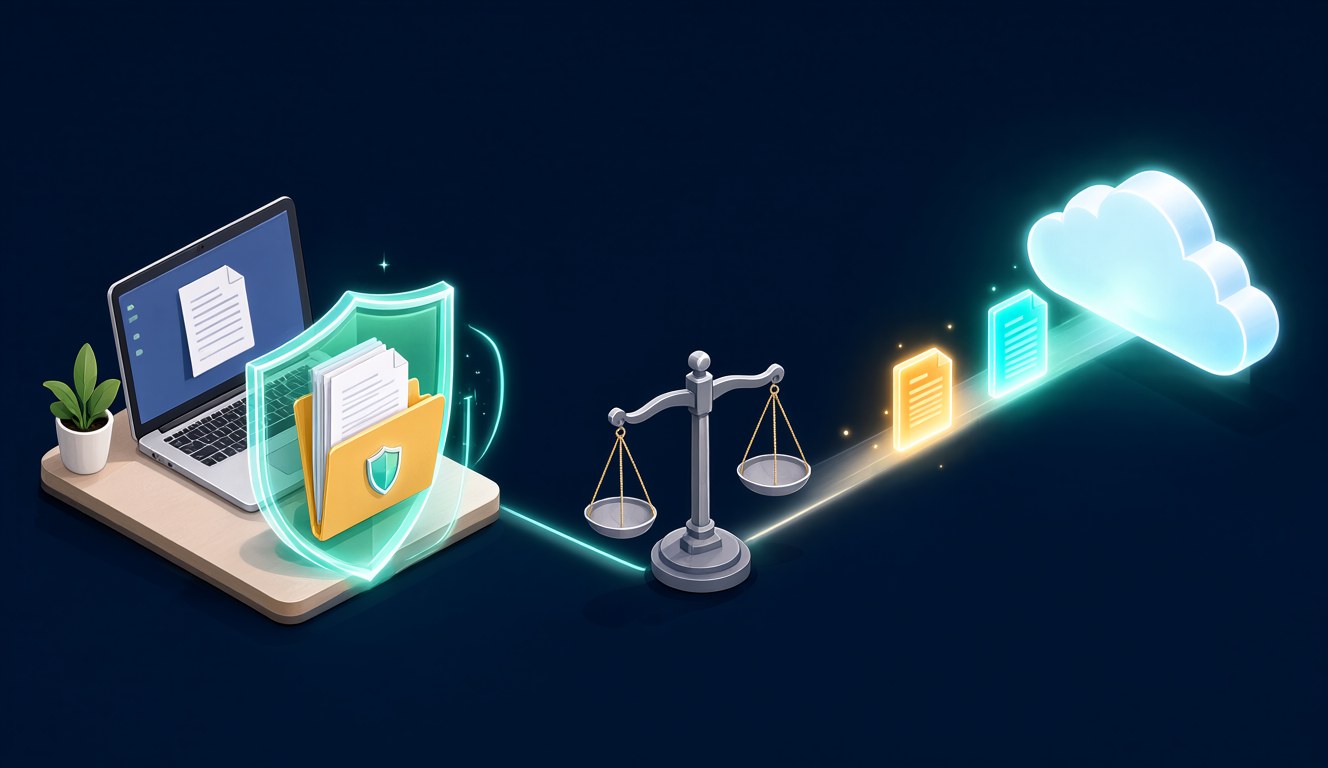
The decision matrix consistently points to a Hybrid Approach, winning 82% of the maximum points in a balanced evaluation.
Here’s how it works:
- Use local models for drafts, summaries, retrieval over your private documents, and anything involving sensitive client data. You can run
qwen3:30borgpt-oss:20bwith Ollama on your own machine. - Use cloud models for tough debugging, long-term architecture planning, and tasks that need advanced reasoning. Send these to Claude Sonnet 5.5 or GPT-6.1 Sol.
The Cost & Decision Matrix
When we score the options out of 500 points across three profiles (Balanced, Privacy-First, and Cost-First), the Hybrid approach comes out ahead.
| Criterion | A: Local-Only | B: Cloud-Only | C: Hybrid |
|---|---|---|---|
| 3-Year Cost | 5/5 (A$136 flat for existing PC; up to A$4,835 for new builds) | 2/5 (US$49 light-budget to US$7,200 frontier-heavy) | 4/5 (A$136 + ~30% of cloud bill) |
| Data Privacy & Control | 5/5 (Zero egress) | 3/5 (Paid tiers are no-train; DeepSeek is an outlier risk) | 4/5 (PII stays local, hard tasks on no-train endpoints) |
| Model Quality Ceiling | 2/5 (Open weights capped at AA index 45-46) | 5/5 (Frontier models at AA 53-58) | 5/5 (Frontier on tap) |
| Setup & Maintenance | 2/5 (Hardware tuning, weekly tool churn) | 5/5 (API key and done) | 3/5 (Requires managing both stacks) |
| Compliance (AU Context) | 3/5 (You carry APP 11/NDB duties fully) | 4/5 (SOC 2/ISO, but APP 8 cross-border exposure) | 5/5 (Sensitive data local, certified endpoints for the rest) |
Overall Score (Balanced):
- Local-Only: 69%
- Cloud-Only: 71%
- Hybrid: 82%
The Australian Compliance Reality
For Australian developers working with client data, the Privacy Act 1988 is the elephant in the room.
Every cloud prompt containing client PII is an APP 8 disclosure (sending personal data overseas). Local models solve residency by construction, meaning you avoid APP 8 entirely. However, you instantly take on the burden of APP 11 (reasonable protection) and the Notifiable Data Breaches (NDB) scheme, meaning full-disk encryption and strict supply-chain hygiene for your local model weights are mandatory.
The Verdict
There’s no need to buy an A$3,749 GPU setup right away.
Begin at zero cost by running a local model on your current 32GB development machine for offline backups and sensitive code. Let tools like Claude Code do the heavy work with a flat A$34 per month subscription.
Only invest in a dedicated Mac or GPU once you reach the limits of quality or speed with your current setup. Until then, the hybrid approach is the clear winner.