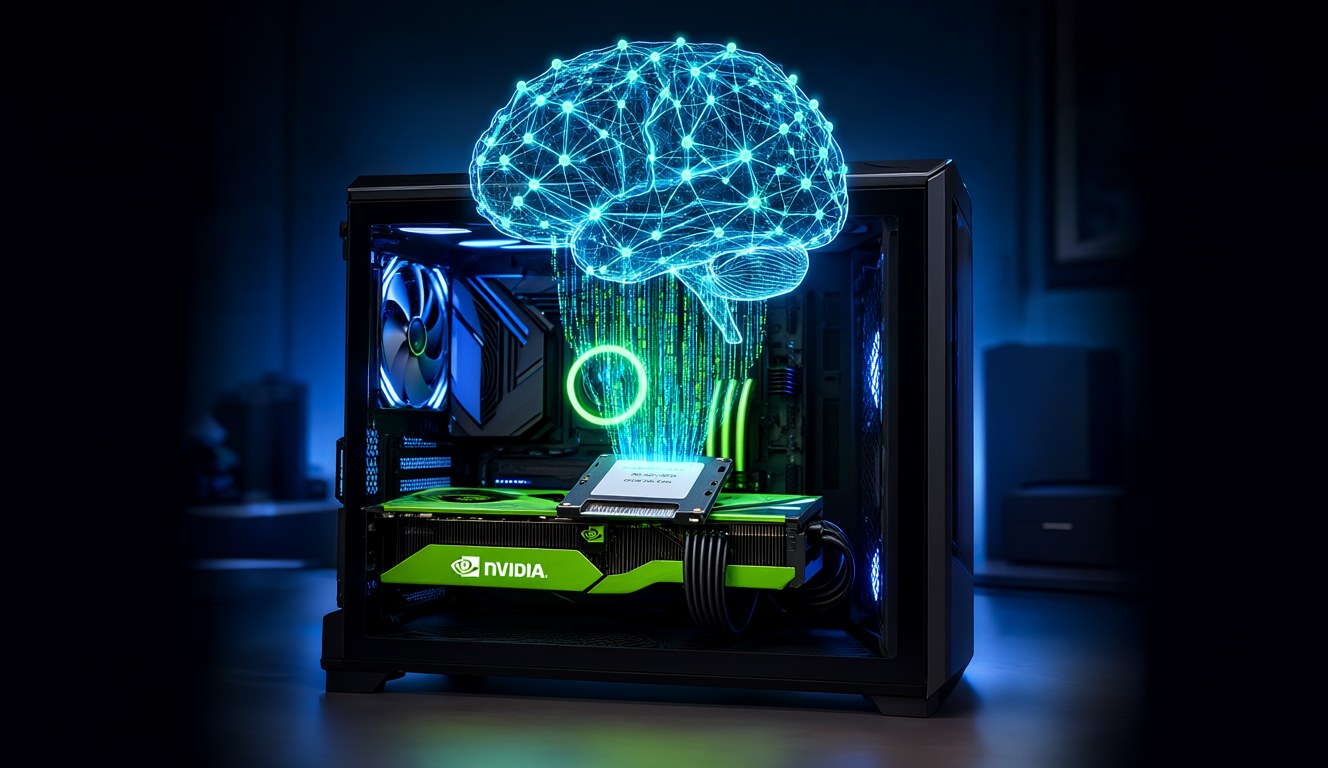
The spec sheet said 12 GB of VRAM, minimum. My RTX 4060 Ti has 8. I spent one evening arguing with a config file, and now Qwen3.8-Flash-Next, a 125-billion-parameter model, answers me at 38 tokens per second on a card that was never supposed to run it.
Here's what I changed, and what each change cost me.
My hardware: i9, 64 GB RAM, RTX 4060 Ti 8 GB
Nothing exotic. An i9 14th gen desktop with 64 GB of RAM, a plain RTX 4060 Ti 8 GB, and an SSD. The kind of PC you'd build for gaming, not for serving a model that normally lives in a data center.
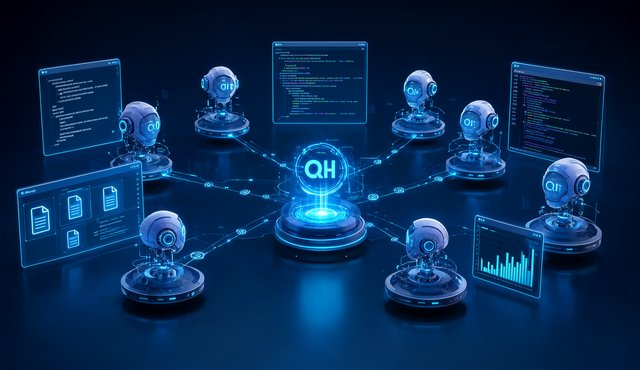
I run Qwen3.8-Flash-Next through Strata at IQ2_XS. Strata treats a model this size as a memory problem more than a VRAM problem. Qwen3.8-Flash-Next is a mixture-of-experts model, so Strata keeps 36.5 GiB of expert weights on the SSD, streams them over PCIe at about 12.8 GB/s, and caches the hot experts in whatever VRAM it can find. A small MTP draft head speculates several tokens ahead so the big model verifies instead of generating everything from scratch.
My RAM did the heavy lifting. My GPU was the bottleneck, and it knew it.
Why the engine refused to start
The log buried the reason in one line: with --expert-cache auto, there was no VRAM left for the profile-filled expert tier. Zero slots. The startup check in verify.cpp looks at that, shrugs, and declines to run.
Doing the math from the log, the card was about 1275 MiB short of what it needed.
That number became my shopping list. I didn't need more hardware. I needed to find 1275 MiB hiding inside my own config.
The five config changes that freed 1275 MiB of VRAM
Every change below is from my strata-iq2_xs.json. None of them are free. Each one is a trade, and I'll tell you what I paid.
1. Drop the VRAM reserve: 700 to 300 MiB
Strata keeps a reserve so the desktop and other apps don't starve the card mid-request. 700 MiB was headroom I wasn't using, since I don't game while the model runs. Cutting it to 300 handed back about 400 MiB. Cost: if I open something heavy on the GPU mid-session, things can stall.
2. Shrink the context: 32768 to 8192 tokens
This was the big one. The session and KV cache at 32K context ate 573 MiB. At 8192 tokens, most of that came back. The rule of thumb is brutal: each doubling of context roughly doubles the KV cache. Cost: long documents no longer fit whole. I chunk them now, and honestly I should have been doing that anyway.
3. Quantize the KV cache: int8 to q4_0
KV cache quantization halved what remained of the KV memory. The model gets slightly less precise about things far back in the conversation, mostly noticeable past 8K, which I no longer reach anyway. Cost: some long-range recall sharpness, in theory. I haven't caught it slipping in practice.
4. Move vision to the CPU
The image encoder had its own slice of VRAM. Setting vision.gpu to false with 8 threads moved picture reading to the CPU. Cost: images take a few extra seconds to process. The i9 barely notices. The 4060 Ti very much did.
5. English-only draft vocabulary
The MTP draft head ships with a vocabulary covering Chinese, Japanese and Korean. Switching draft_vocab from cjk to en freed about 143 MiB and turned off speculative drafting for CJK text. Cost: if I ever chat in Chinese, speculation is off and replies slow down. I write in English, so this was the easiest 143 MiB I ever found.
The result: 38 tok/s from a 125B model
The engine started. It filled 1613 expert cache slots, about 1.27 GiB of VRAM working for me instead of sitting in reserves.
Then the numbers got fun. Generation settled around 38 tokens per second, faster than I can read. The MTP draft head had 1299 of its 1555 guesses accepted, an 84% hit rate, which is why a model this size feels snappy instead of syrupy. The expert cache hit rate climbed from 26% to 44% as the routing profile warmed up. All of these numbers come from my own server log on this exact PC, not a vendor benchmark.
My favorite log line from the whole exercise: "0 MiB of VRAM free with everything loaded." The card is packed to the ceiling, every last megabyte assigned a job, and it still answers.
The honest tradeoffs
The context ceiling is real. 8192 tokens means long documents and huge code files need to be fed in pieces. Raising --max-context needs VRAM this card does not have, full stop.
Vision runs on the CPU now, so image prompts are slower. And if you undo these changes carelessly, the start fails again: the expert cache needs roughly 463 MiB at minimum (322 slots) plus whatever the profile wants.
Everything is reversible by editing strata-iq2_xs.json. I keep a backup copy, because I know exactly which mistake I'd make first.
Is the 12 GB requirement real?
Sort of. The install docs assume 12 GB because that's the comfortable path where nothing needs tuning. The actual floor for Qwen3.8-Flash-Next is lower, but you pay for it in context length and convenience, not in speed.
If you're sitting on an 8 GB card wondering whether a 125B local LLM is out of reach: it isn't. The VRAM is hiding in your defaults. Go take it back.