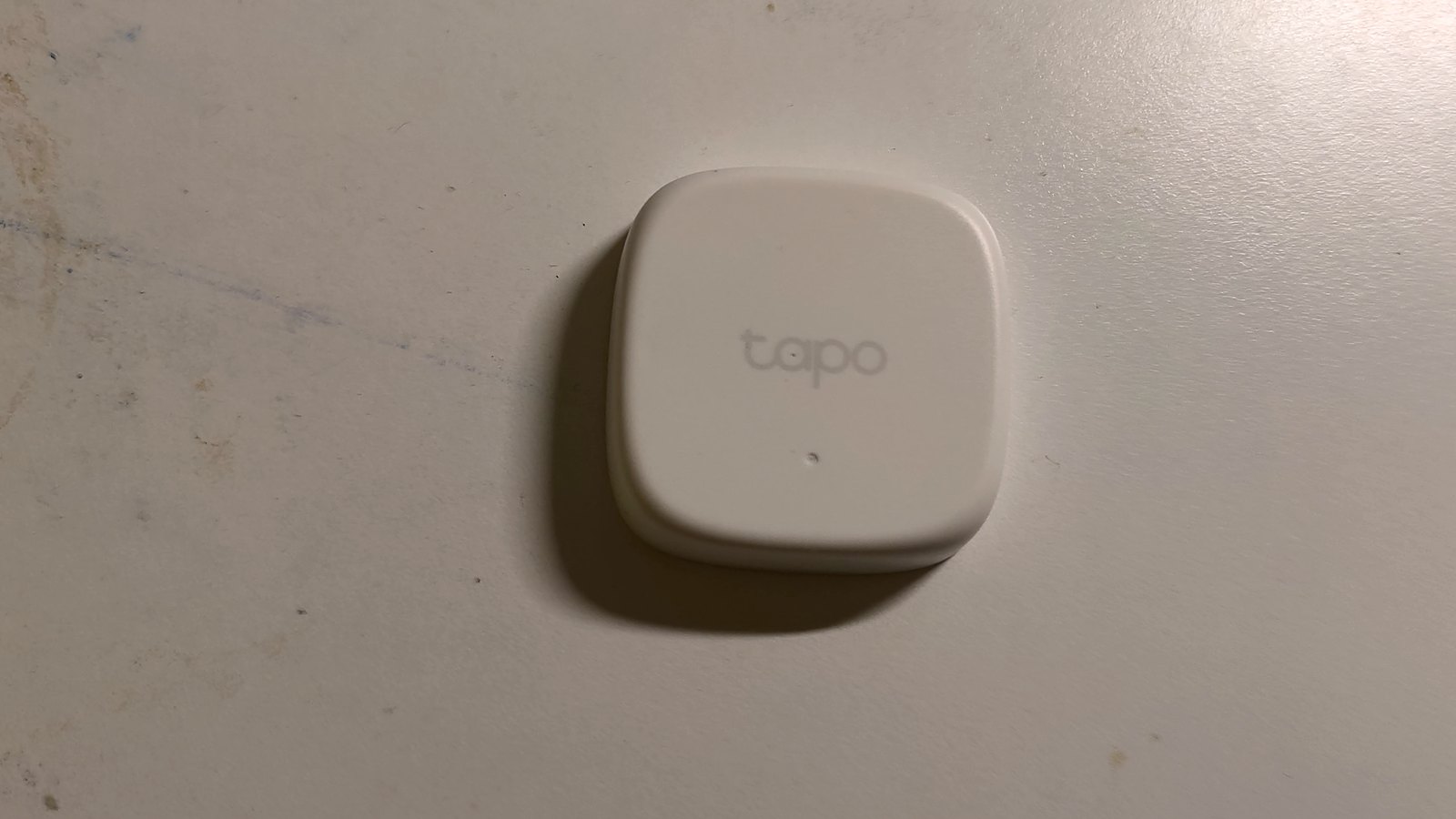
I bought a Tapo T310 temperature and humidity sensor in Brisbane for $25, another Black Friday buy. It is small, easy to place anywhere and runs on the same coin battery as my other Tapo sensors. But there is one catch the online reviews skip: you can't use the sensor on its own. It needs a Tapo hub.
I unboxed it in a short Cantonese video with English subtitles and on-screen cards.
Why did I buy another Tapo sensor?
Because our home already runs on Tapo. We use a lot of their products, all sorts of them, so adding one more sensor was easy. Everything shows up in the same app.
How big is the Tapo T310?
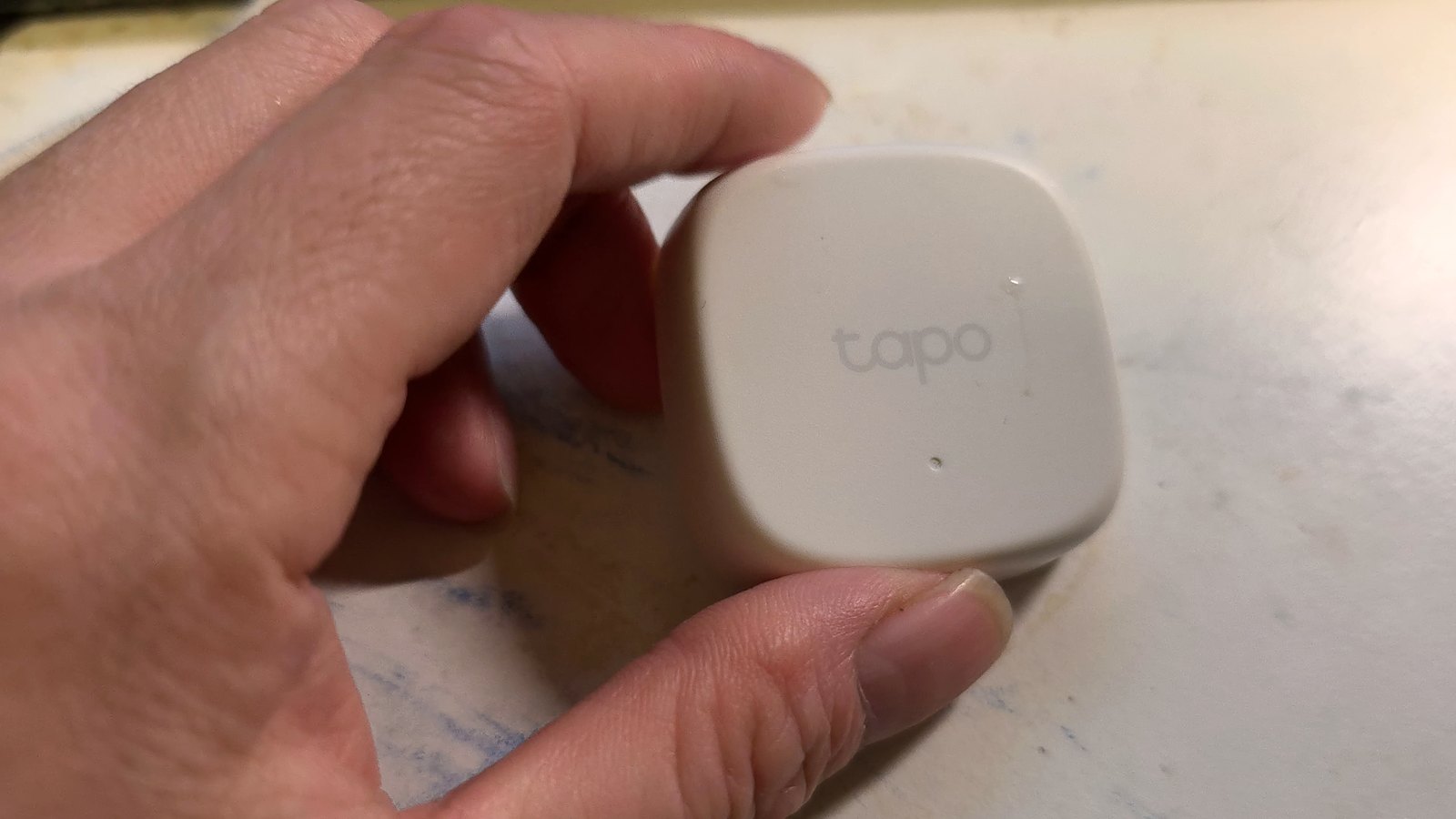
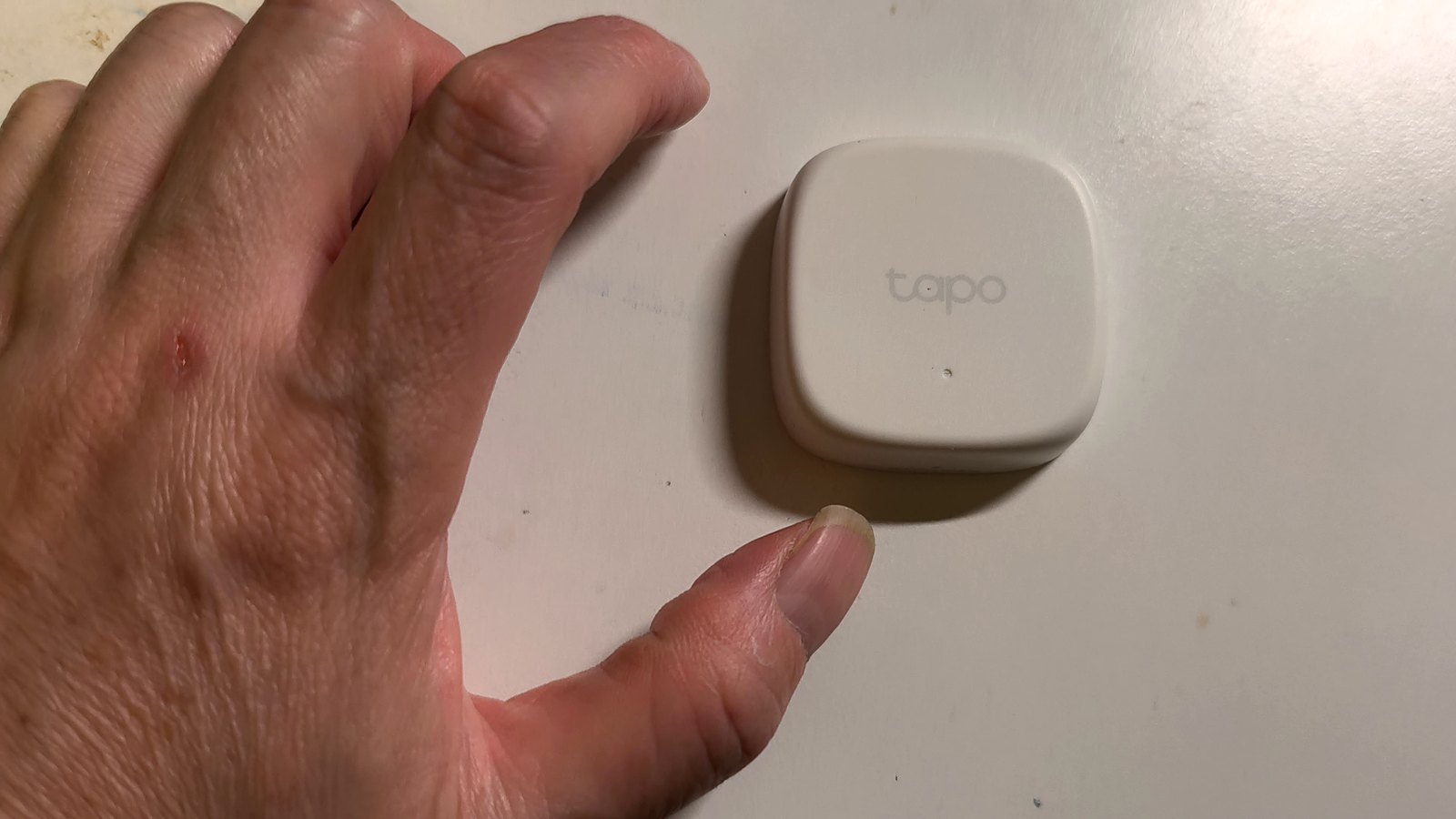
It is tiny: roughly the size of a five-dollar coin, just a little bigger. TP-Link lists it at 46 × 46 × 12.3 mm. In the video I put it next to a small box of dental floss to compare, and the sensor is about the same width.
There is no screen. You read the temperature and humidity in the Tapo app on your phone. In the box TP-Link includes a lanyard, a 3M adhesive pad and an adhesive magnet, so you can hang it, stick it to a wall or just leave it on a shelf.
What battery does the Tapo T310 use?
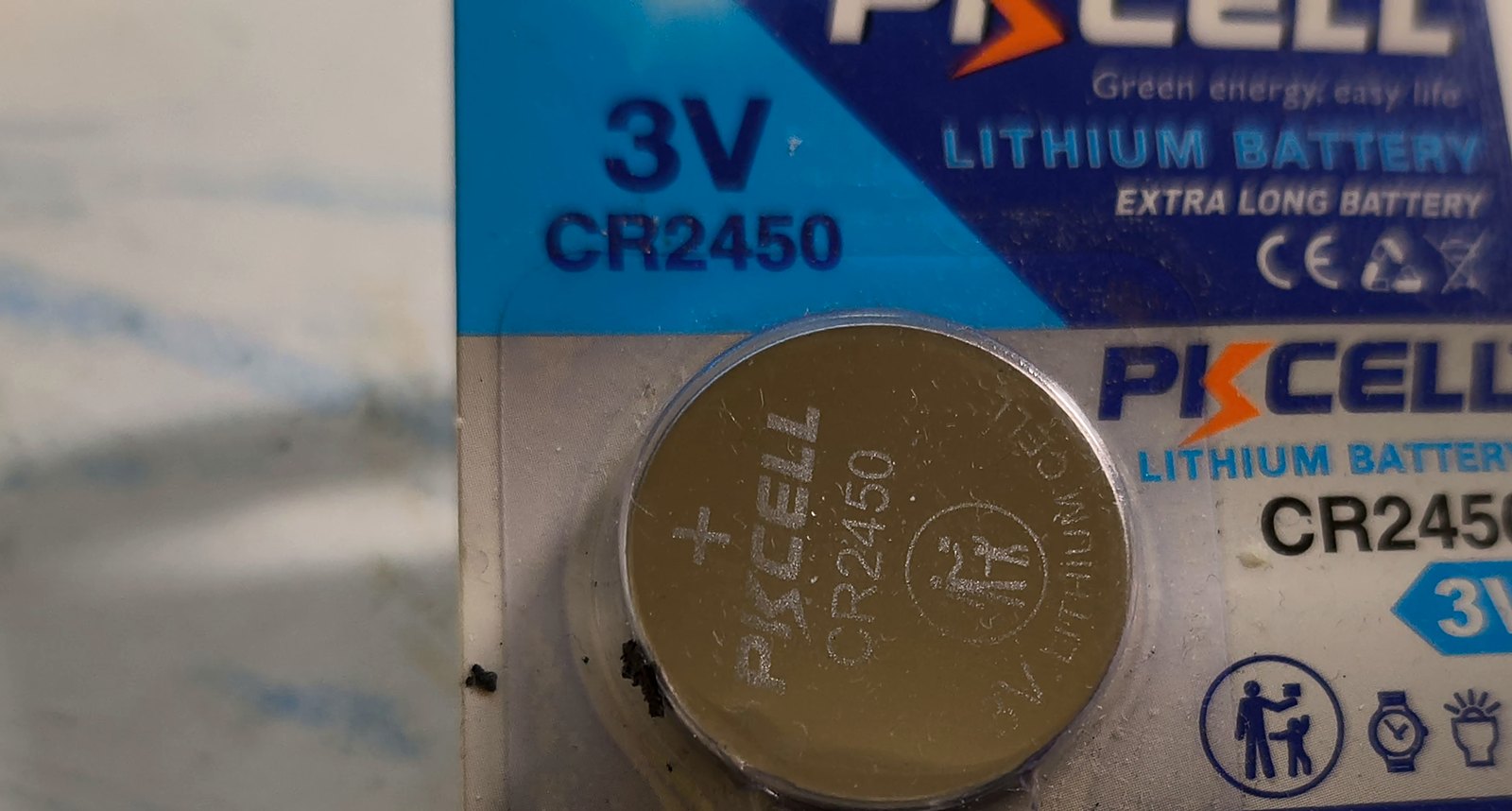
One CR2450 coin battery, the 3-volt lithium kind. That's the part I like. My other Tapo sensors use the same CR2450 battery, so I only need to keep one kind of spare battery in the drawer. TP-Link says the battery lasts up to 2 years, based on its own lab tests, so real life may be shorter.
Does the Tapo T310 need a hub?
Yes. This is the main thing I wanted to add after filming. People online often say you don't need the hub and the sensor alone is enough. That's not how it works. The T310 talks to a Tapo hub, not straight to your Wi-Fi, so you need either the hub box or the Tapo hub with the alarm speaker. Without one of those, the app can't detect the sensor at all.
TP-Link's own Australian product page says the same thing: "Tapo Smart Hub (H100) is required." So if you are buying your first Tapo sensor, add the price of a hub to your budget. If you already have a hub, like we do, the sensor really is just $25.
What does the Tapo T310 measure?
Temperature and humidity, and it keeps a history so you can look back at the day or the week. That record is what makes it handy rather than just a thermometer. According to TP-Link, it updates every 2 seconds, is accurate to about ±0.3°C and ±3% relative humidity, and can send an alert to your phone when a reading goes outside the range you set.
What can you use a room temperature sensor for?
Three uses that make sense to me:
- Food that needs a steady temperature. Put the sensor next to it and check that the temperature stays where it should. If you worry about the power going out in a storm, my post on whether you should stockpile food in Brisbane covers the Get Ready Queensland basics.
- Checking a room. I mainly use it to see what the indoor temperature is right now. In a Brisbane summer that tells you quickly whether it's time for the air conditioner. With power bills up a lot this year (see my October 2026 CPI article), I'd rather know than guess.
- A baby's or child's room. If you have young kids, you can check whether their room is getting too warm.
One clear limit: it measures the room, not the person. It can tell you the nursery is hot. It can't tell you whether your baby is hot. For that you still need a proper thermometer and your own eyes.
Was it worth $25 on Black Friday?
For us, yes, because we already had the hub. It's small, the battery is shared with our other sensors, and the history is genuinely handy. If you don't have a hub yet, it's still a useful sensor, but the real starting cost is the sensor plus the hub.
And yes, this was another Black Friday purchase. Black Friday really did turn my wallet black. I wrote about another Black Friday deal I took this month in my Gemini 4 Neon post.
Do you use a temperature or humidity sensor at home? What for? Tell me, or leave a comment under the video.
Sources
- TP-Link Australia, Tapo T310 Smart Temperature & Humidity Sensor: hub requirement, CR2450 battery, up to 2 years battery life, accuracy, 2-second refresh, size and box contents. Checked 28 November 2026.
This is my own unboxing, not a paid review; I bought the sensor myself. All photos are stills from my own video. Price is what I paid. AI helped me edit the English.