ChatGPT Images 2.6 is OpenAI's new image model, released on 4 November 2026. It makes images 50% faster than before and can now make animated GIFs. For developers, the API also gets SVG output, edits you guide by drawing on the image, and a new "complexity" setting. It's available on every ChatGPT plan, in Codex, and in the API as two models, GPT-Image-2.6 Flare and GPT-Image-2.6 Sunburst. The price per token hasn't changed, but OpenAI's own calculator shows a 1024x1024 image at low quality now uses about four times as many tokens as on 2.5. Here's every improvement OpenAI lists, taken only from its official pages.
What's new in ChatGPT Images 2.6?
Four things: speed, animated GIFs, more control over edits, and SVG output. OpenAI's announcement and its image generation guide list these changes:
- 50% faster: ChatGPT Images 2.6 makes images 50% faster than before.
- Animated GIFs: turn a prompt, a still image or even a rough sketch into a looping animation.
- Better consistency: characters, products and brand details stay the same while you keep editing.
- Better layouts: Flare improves the layout of posters, product images and other professional visuals.
- Markup edits in the API: the ChatGPT feature where you circle the part to change is now in the API.
- SVG export: get vector files you can use directly on websites, in apps and in print.
- Complexity setting: choose how much the model plans before it draws.
OpenAI also says people now make 4 billion images a week with ChatGPT, Codex and the API, which is more than 500 million a day.
How fast is ChatGPT Images 2.6?
OpenAI says it's 50% faster than before, and Flare can finish an image in as little as 6 seconds at low quality. The two API models split the work:
- GPT-Image-2.6 Flare (
gpt-image-2.6-flare) is for fast iteration. OpenAI's 6-second figure is for Flare with quality set to low. - GPT-Image-2.6 Sunburst (
gpt-image-2.6-sunburst) is for detailed work. At medium or high quality it gives higher-quality images and keeps them more consistent over repeated edits.
OpenAI didn't publish benchmark scores for 2.6. Its guide still warns that complex prompts can take up to 2 minutes.
Can ChatGPT Images 2.6 make GIFs?
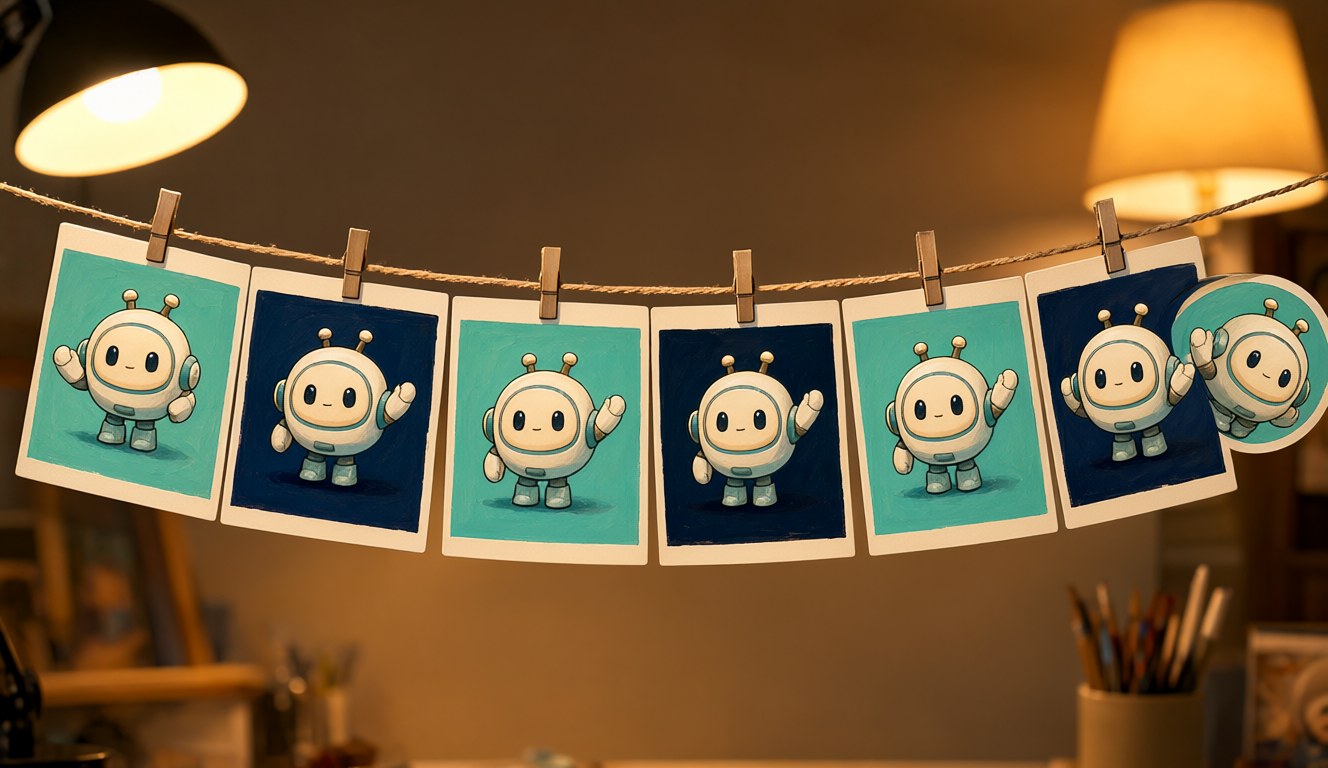
Yes. This is the biggest new feature. You describe the subject, the motion and the loop, and you get back a finished GIF. OpenAI suggests animated brand mascots, looping product shots, reaction GIFs and memes for social media, and rough motion storyboards before a video shoot. It also shows a hand-drawn sketch of an owl turned into an animated character.
In the API you set output_format: "gif" on the generations or edits endpoint. The guide lists these settings:
| Setting | Values | Default |
|---|---|---|
frame_count | 2 to 16 frames | 9 |
frame_duration_ms | 20 to 2,000 ms per frame (rounded to 10 ms) | 200 ms |
size | auto, or width x height in multiples of 16 | auto |
With the defaults, a GIF is 9 frames of 0.2 seconds, so a 1.8-second loop. GIF output doesn't support streaming or partial images. To animate an image you already have, send it to the edits endpoint as a reference.
What's new for editing and developers?
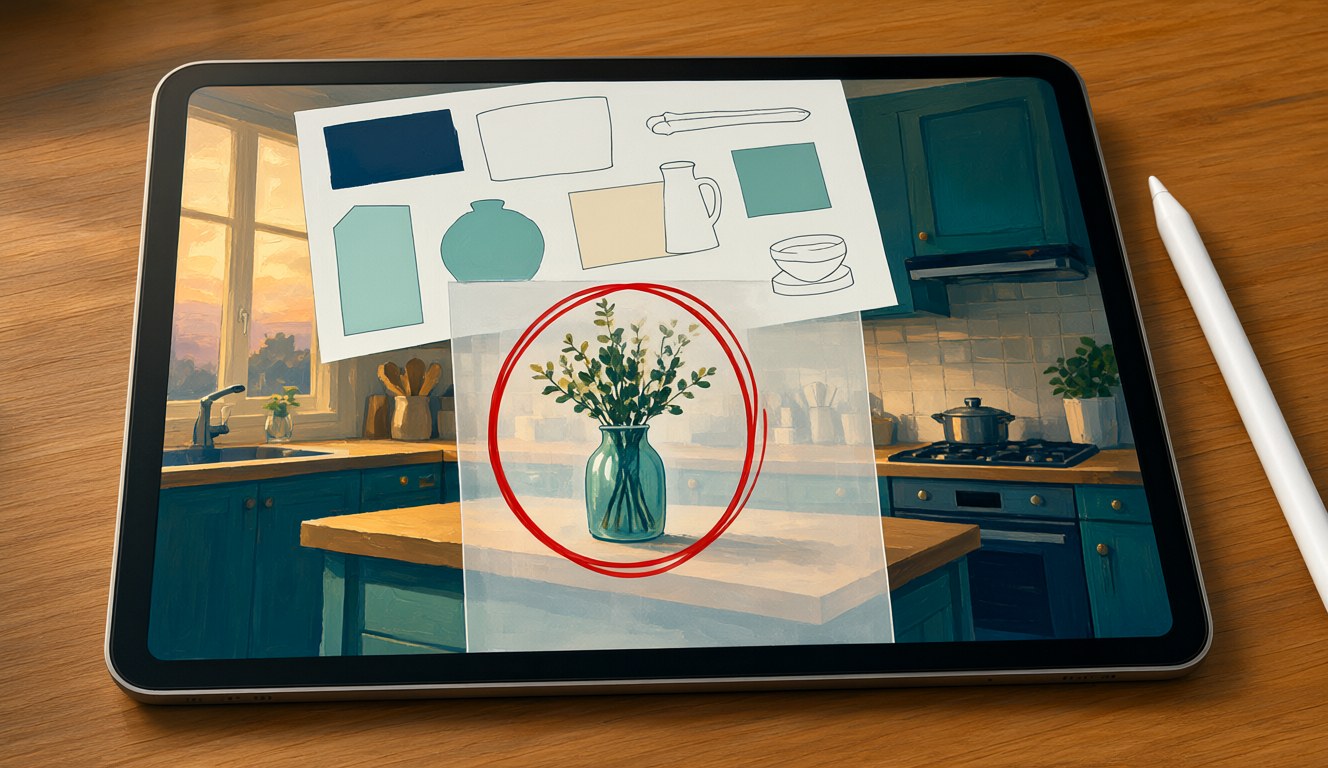
Three API features give developers more control: markup edits, SVG output and a complexity setting.
- Markup-guided edits. Draw circles or notes on a transparent PNG laid over the original, then say what to change. OpenAI's example circles a striped vase and turns it cobalt blue while the rest of the kitchen stays the same. The overlay must be the same size as the image, up to 16,777,216 pixels and 50 MB. You can't combine it with a mask, and there's no extra fee.
- SVG output. Set
output_format: "svg"on the generations endpoint for logos, icons and illustrations with editable paths and colours. The model draws a reference image first, then turns it into a static vector file. You get one image per request, with no streaming, and SVG doesn't work on the edits endpoint. - Complexity.
low,mediumorhigh(the default) sets how much the model plans before rendering. Higher helps with dense text, busy layouts and how objects relate to each other, but it can be slower and change things you didn't ask for. OpenAI recommends low for most edits. It costs nothing extra, and it works separately from the quality setting.
Partners quoted in the announcement include OpenArt, Figma Weave and Picsart. Fal, Sable and Higgsfield had early access.
How much does ChatGPT Images 2.6 cost?
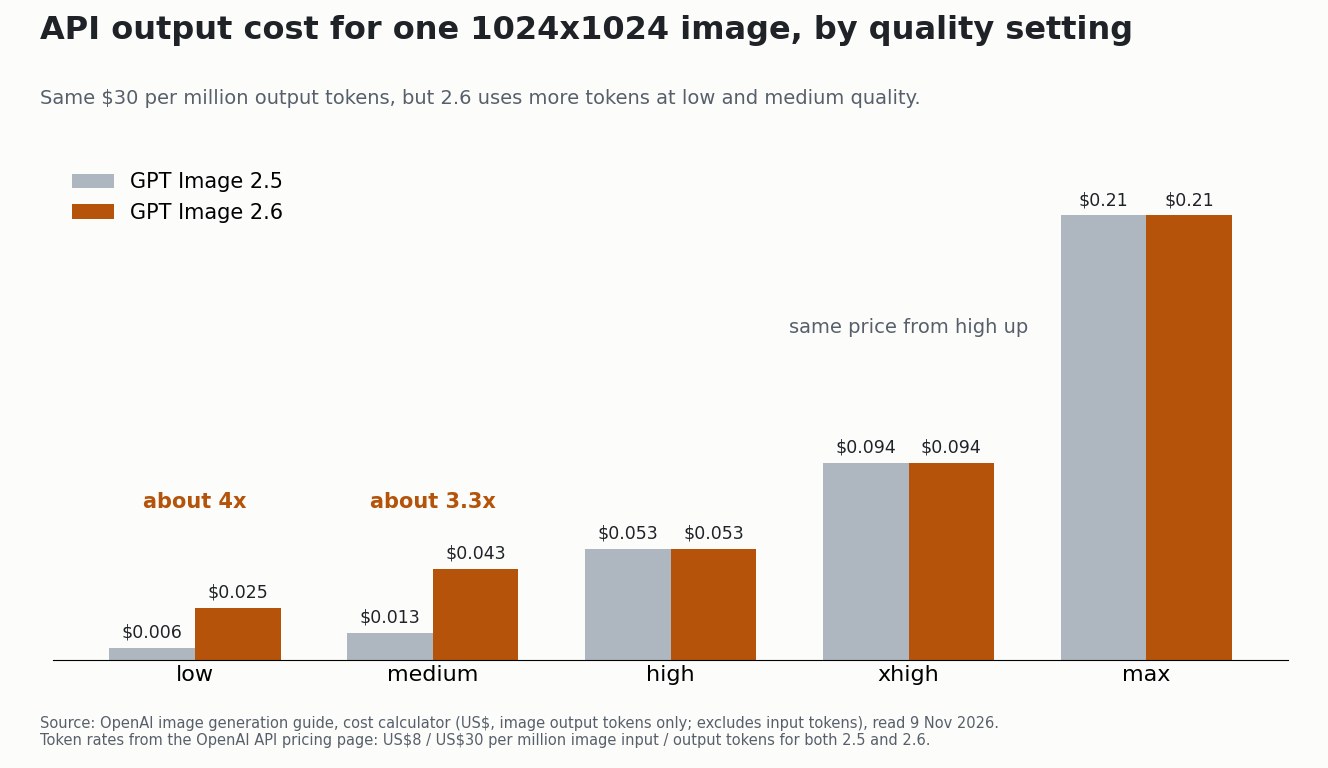
In ChatGPT it comes with every plan. In the API the token prices are the same as GPT Image 2.5, but cheap images now cost more. Both 2.6 models charge $8 per million image input tokens, $30 per million image output tokens and $5 per million text input tokens (OpenAI pricing). The difference is how many tokens each image uses. I ran OpenAI's own cost calculator for a 1024x1024 image at each quality setting:
| Quality (1024x1024) | GPT Image 2.5 | GPT Image 2.6 |
|---|---|---|
| low | 196 tokens, $0.006 | 823 tokens, $0.025 |
| medium | 439 tokens, $0.013 | 1,449 tokens, $0.043 |
| high | 1,756 tokens, $0.053 | 1,756 tokens, $0.053 |
| xhigh | 3,122 tokens, $0.094 | 3,122 tokens, $0.094 |
| max | 7,024 tokens, $0.21 | 7,024 tokens, $0.21 |
At low quality a 2.6 image costs about four times as much as on 2.5 ($0.025 vs $0.006), and at medium about 3.3 times as much. From high quality up, the price is the same. These are US dollars for image output only. Input tokens are extra, and the calculator gives one figure for both Flare and Sunburst. SVG output also adds the tokens of the model that writes the vector file.
So if you make lots of quick low-quality drafts through the API, check your costs before switching. If you already use high quality, 2.6 gives you the new features at the same price.
Who can use ChatGPT Images 2.6?
Everyone. OpenAI says it's rolling out worldwide from 4 November 2026 to users on every ChatGPT plan, in ChatGPT and Codex on desktop, mobile and the web. Developers can use gpt-image-2.6-sunburst and gpt-image-2.6-flare through the Image API. You may need to complete OpenAI's API Organization Verification first. OpenAI points to a system card for its safety testing of the model.
OpenAI's guide also lists limits that still apply: text can be placed or rendered imperfectly, recurring characters can drift between generations, and precise layouts can be hard to control.
Is ChatGPT Images 2.6 worth trying?
If you use ChatGPT, yes. It costs nothing extra, it's faster, and GIFs are a genuinely new thing to try. For API users it depends on the quality you use. The new features are free at high quality and above, but low and medium drafts now cost three to four times as much.
This post only summarises OpenAI's official pages. I haven't run my own tests yet, and my site images are still made locally with Qwen Image 2.1 (see making data videos with Qwen Image on an 8GB GPU). For OpenAI's latest text model, see GPT-6.1 Terra: price, benchmarks and strengths. For Google's new video model, see my test of Gemini Omni 1.2 Flash vs 1.1.
Sources
- OpenAI, "Introducing ChatGPT Images 2.6", 4 November 2026 (read in Traditional Chinese; translations are my own): 50% faster, Flare in about 6 seconds at low quality, GIFs, markup, SVG, complexity, 4 billion images a week, availability, partner quotes.
- OpenAI image generation guide: GIF, SVG, markup and complexity settings, limitations, and the cost calculator used for the table and chart.
- OpenAI API pricing and the GPT-Image-2.6 Flare model page: token prices.
Checked 9 November 2026. Prices are in US dollars and can change. The illustrations were made locally with Qwen Image 2.1 (not with OpenAI's model), the chart was drawn from OpenAI's own calculator, and AI helped me research and edit this post.