I've spent a lot of time working with local RAG pipelines, and until now, adding multimodal features always meant making a tough choice. You could either make your app bulky by combining separate vision, audio, and text models, or just send everything to a paid cloud API.
But on 6 October 2026, Google released EmbeddingGemma 2, which removes that compromise completely.
EmbeddingGemma 2 is built on the Gemma 4 architecture. It's an open model that maps text, code, images, video, and audio into one unified 768-dimensional vector space. It does all this natively with only 740 million parameters, understands 100+ languages, and has an 8K-token context window (4x larger than the first EmbeddingGemma).
Here's why this is important if you're building local apps:
Cross-Modal Search That Really Works
Since every type of data maps to the same vector space, you can search across them easily. For example, you could find a folder of video clips with a voice memo, or locate a specific moment in a long podcast by typing a text query. There's no need to transcribe audio or add captions to video first. The model understands the raw inputs. In one request it can take up to 5.5 minutes of audio, 29 images or 58 video frames (sampled at one frame per second by default), or a mix of them.

Fully Local and Modular
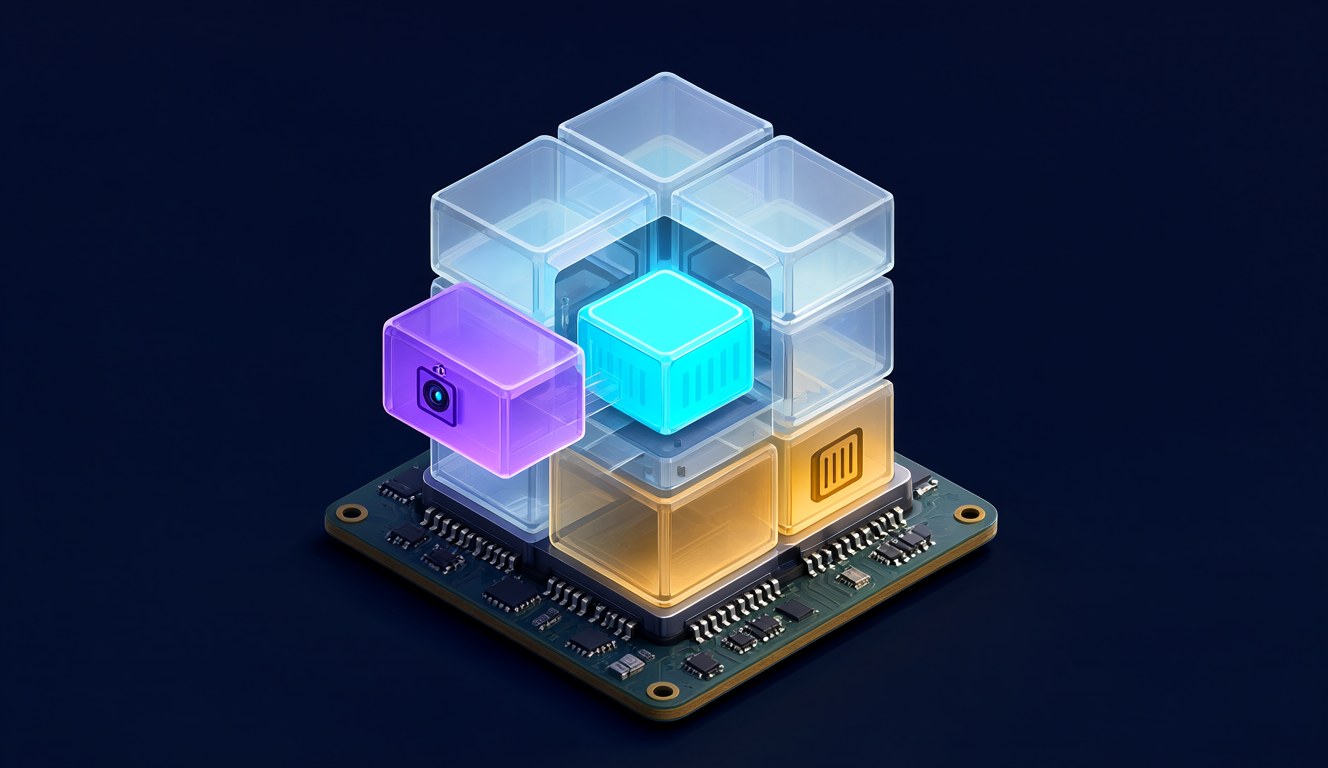
The full multimodal model uses about 567MB of RAM (Google's figure on a Pixel 11 Pro), so it runs easily on a laptop or even a phone. If you don't need audio or video, you can skip loading those parts. The modular design lets you scale down to just 270 million parameters (about 191MB of RAM) for text and code retrieval only.
| What you load | Parameters | What it can embed |
|---|---|---|
| Text backbone | 270M | Text and code (~191MB active RAM on a Pixel 11 Pro) |
| + Vision encoder | 440M | Text, code, images, video frames |
| + Audio encoder | 570M | Text, code, audio |
| Full model | 740M | Everything (~567MB on a Pixel 11 Pro) |
On code it's also a clear step up: Google reports MTEB Code rising from 68.76 to 78.68 compared with EmbeddingGemma 1. It already works with Sentence Transformers (v6.1.0+), Transformers, vLLM, SGLang, MLX, Ollama, LM Studio, LiteRT and Unsloth. If you're weighing local against cloud for the rest of your stack, see my local LLM vs cloud API guide.
Shrink Your Vector Database by 6x
EmbeddingGemma 2 uses Matryoshka Representation Learning (MRL). Simply put, you can reduce the embeddings from 768 dimensions to 512, 256 or even 128. At 128 dimensions that is a 6x storage saving: Google's example is 1 million vectors shrinking from about 1.5GB to about 250MB. At 256 dimensions retrieval quality hardly changes. At 128, text and code still hold up well, but video and audio give up noticeably more, so test it on your own data first.
| Benchmark | 768d | 512d | 256d | 128d |
|---|---|---|---|---|
| MTEB English v2 | 68.46 | 68.41 (100%) | 67.78 (99%) | 65.68 (96%) |
| MTEB Multilingual v2 | 61.36 | 61.17 (100%) | 60.41 (98%) | 57.89 (94%) |
| MTEB Code v1 | 78.68 | 77.24 (98%) | 76.18 (97%) | 71.41 (91%) |
| MIEB Lite (image) | 64.64 | 64.32 (100%) | 63.13 (98%) | 59.06 (91%) |
| MMEB v2 (video) | 59.01 | 58.38 (99%) | 56.24 (95%) | 45.65 (77%) |
| MSEB (audio retrieval) | 69.54 | 69.18 (99%) | 66.76 (96%) | 56.71 (82%) |

Zero-Shot Decision Engine
Because it runs locally, you skip the network latency entirely. Google's AI Edge team demonstrated the model as a real-time decision engine in a chess game, evaluating 500 options per turn in less than 100 milliseconds. That speed unlocks instant intent routing directly on user hardware, without requiring any fine-tuning. Google also lists image embeddings at 37.3 ms each (26.9 images per second) on a MacBook M5 Pro GPU, and has added two demos to the Google AI Edge Gallery app: Instant Media Search and Video Moments Finder. ML Kit support for Android apps is coming in the next few weeks. If decision models interest you, I covered a similar idea in Ollama JEV-style decision models.
My Take
I'm usually skeptical of corporate "best-in-class" claims, but fitting text, code, images, video, and audio into one shared vector space under 1GB of RAM is a big change for local development. The model uses open weights under an Apache 2.0 license, so you don't have to worry about API keys or token limits. Together with the image model I run on my own 8GB card (Qwen Image 2.1 on an 8GB GPU), a fully local media pipeline is now realistic.
Download EmbeddingGemma 2 on Hugging Face
Sources
Checked 7 October 2026, Google sources only: Google Blog announcement; EmbeddingGemma 2: The Developer Guide; Google AI Edge with EmbeddingGemma 2; Gemma docs; official model card (google/embeddinggemma-2). RAM figures are Google's Pixel 11 Pro measurements, not my own. Research and chart prepared with AI assistance; images generated locally with Qwen Image 2.1.