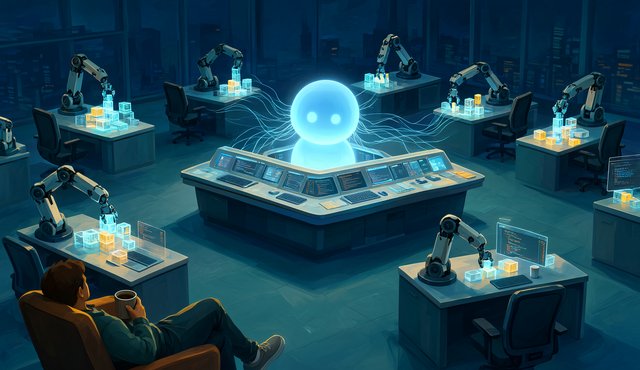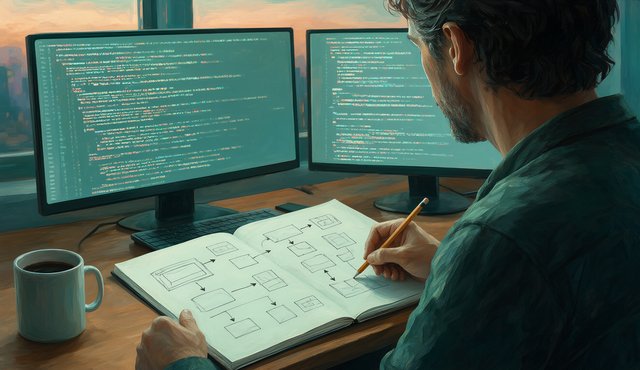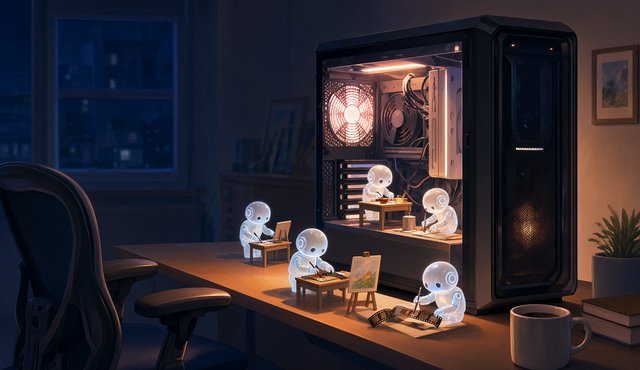
I run a faceless YouTube channel with AI, and AI is the reason the channel exists. I record my Cantonese podcast in one take. After that, AI finds or generates the B-roll, writes the subtitles, cleans up my stumbles and even dubs the episode into English and Mandarin. Here is how I use AI every day, why I keep my face off camera, and what each tool does for my latest episode.
This is the episode, in Cantonese with English subtitles. Watch it on YouTube.
How do I use AI every day?
Mostly as a helper. At work, of course, but a lot in my personal life too. A local AI on my own PC sorts my email. AI also helps me choose which news to read, because for the podcast I have to filter a lot of it: family stories, weather reports, everything together.
Every day the AI sums up the news for me, finance updates included. It really is like having a little secretary.
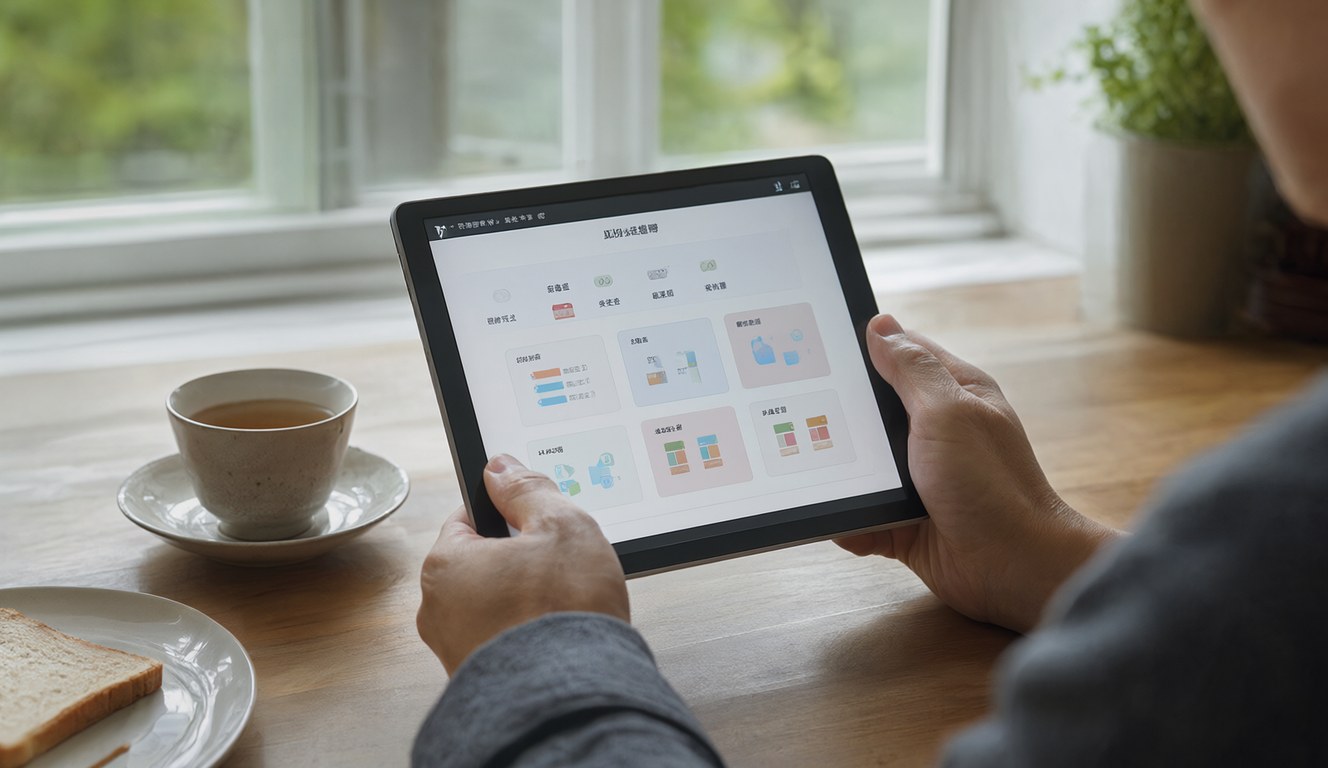
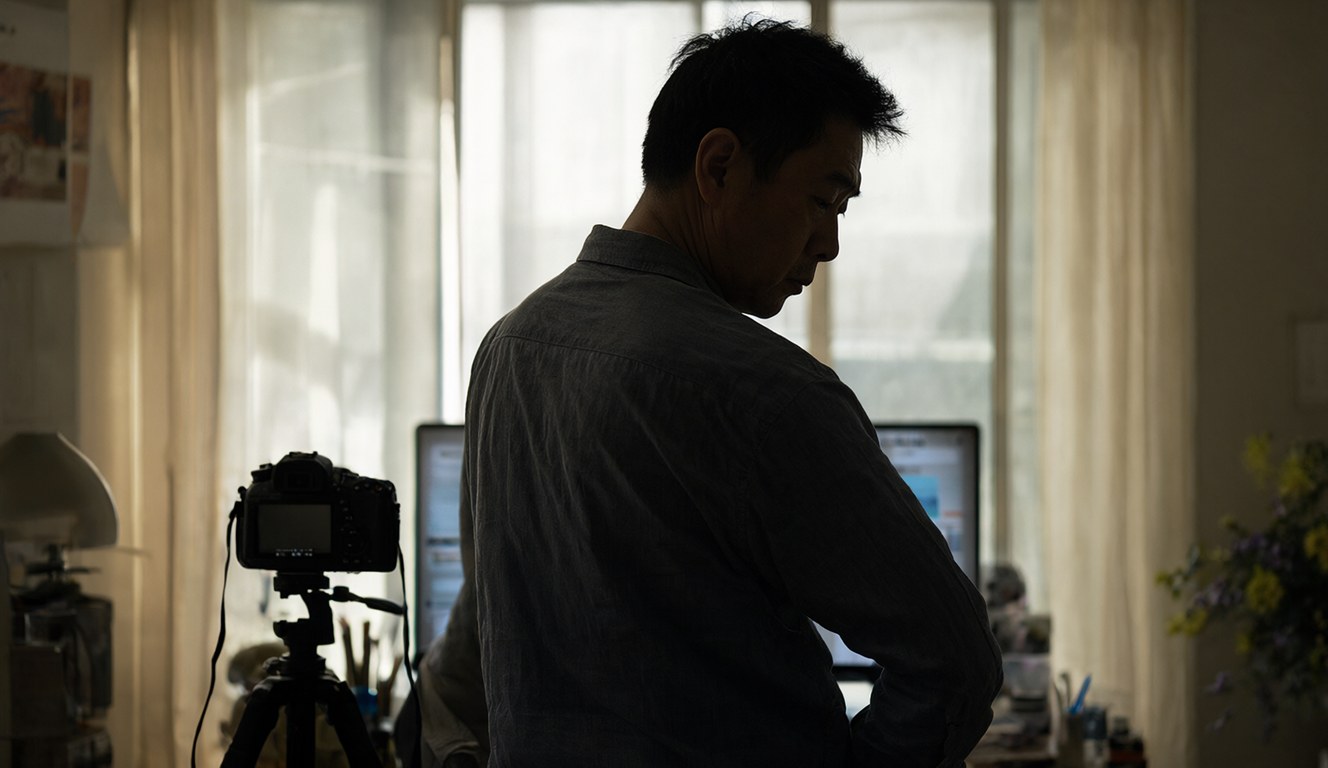
Why don't I show my face on YouTube?
Two reasons. The first is that the circle here is too small. When you eat out with people, they get nervous: "Is Michael going to post about us online?" That makes meals awkward, and there's no point offending anyone.
The second is my face. I'm not handsome, and I'm not a pretty girl. Watching a pretty girl or a handsome guy is more fun. Watching me is not, unless you want to lose your appetite.
What did my videos look like before AI?
Pretty primitive. A desk and a pen. For a while I held a notepad, wrote Chinese characters and talked the whole way through, holding my phone, like playing with a whiteboard. A friend told me my YouTube was boring, and they had a point. I just had no time to edit, and that was the fastest way.
It's the same story as the rest of my time online. First everyone had a website, so I wrote a blog. Then everyone had a Facebook page. Now it's YouTube, and the big difference this time is that AI does the work I never had time for.
Where does the B-roll come from?
From AI, and from a library I keep on my NAS. B-roll is the footage that plays while you talk. If the topic is education, a classroom shot just fits. I've generated a whole pile of clips over the past months and dropped them on the NAS. Now I pick from that pile first and only generate more when nothing fits.
A small search tool indexes the library, about 5,300 entries, so I can type "classroom" or "microphone" and get candidates in seconds. Every pick still gets a quick look, because the index descriptions aren't always right.
My latest episode has 31 scenes:
| Source | Scenes | How it's made |
|---|---|---|
| NAS B-roll library | 14 | Re-used clips from earlier episodes, found with the search tool |
| New Qwen Image 2.1 + LTX | 12 | Still made locally (~36 s each), animated with LTX (~4 min per clip) on an RTX 4060 Ti 8GB |
| Google Flow | 5 | Clips I generated from scene prompts |
Almost half the episode came from footage I already had. That's where the time saving comes from.
How do I make subtitles for a Cantonese video?
With OpenAI Whisper. I don't need a paid auto-dub service for this any more. I call Whisper directly on my own PC with the language set to Cantonese, and it gives me every word with a timestamp.
The transcript still needs a human. Whisper turns casual Cantonese into odd characters and the odd English name, so I correct the lines and flag anything I can't make out. From there I get Cantonese and English subtitles, and the English line feeds the dubs further down.
(My English isn't great, so please forgive me. That's partly why the English version is a dub.)
Which text-to-speech should you use?
It depends on the language. Right now I use Xiaomi's MiMo, because it's free for what I do. I wrap it as a service my scripts can call. You can also run voices locally and get a hundred English voices, or Mandarin. Cantonese is harder.
I've tried a lot of them. ElevenLabs is the best. Before that, MiniMax was pretty close.
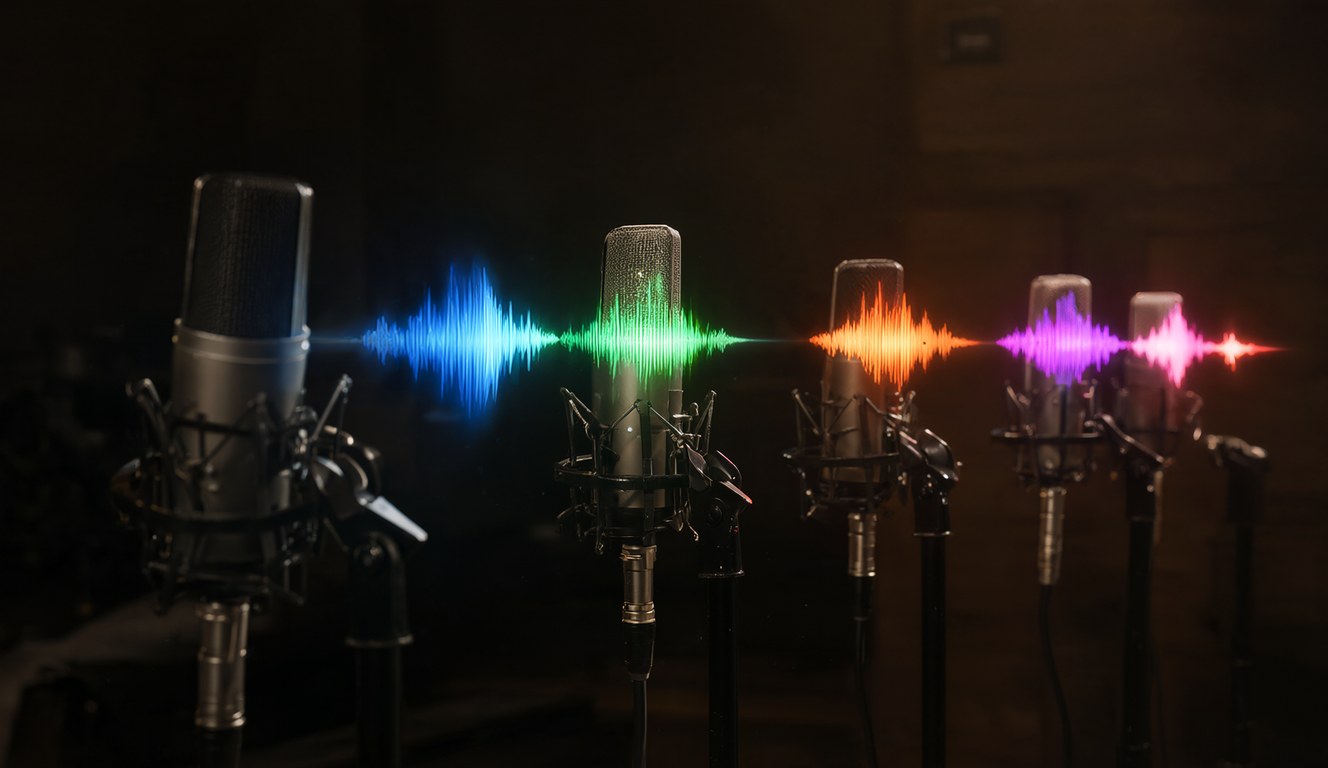
For this episode I made two dubs with MiMo voice cloning, one in English and one in Mandarin. Each script is split into 14 sections, and each section starts on the same beat as the Cantonese, so the dub lines up with the pictures. The English needed at most a 7% speed-up in one section. The Mandarin came out shorter than the Cantonese and needed none.
TTS still misreads things, so I run speech recognition on every generated part and compare it with the script. In the Mandarin dub, 4 of the 14 parts came back wrong, such as a stray word at the start and 露臉 read as 丟臉. Rewording the lines fixed all of them. YouTube lets you upload extra audio tracks, so viewers can switch language in the player.
What does recording in one take mean?
I talk once, finish, and hand it over. I love working this way. Sometimes AI even tidies things up for me.
My raw voice note for this episode was 4 minutes 27 seconds. AI found 31 places to cut: false starts, repeated words and long pauses. That took out 39 seconds and left 3 minutes 47 seconds of clean speech, with tiny crossfades so the joins don't click. Then the scene timings, subtitles and graphics shifted to match.
These two things, AI B-roll and AI voice work, really made YouTube possible for me. Without them I'd still be filming a pen.
What do you use AI for?
That's how I use AI. How about you? Do you use AI to create things, or only at work? I'd like to hear what works for you, so send me a note.
More on how these videos get made: Claude Video Workflow: Whisper, Google Flow, Qwen, LTX, making data videos with Qwen Image on an 8GB GPU, Motion Graphics Without Claude: MiMo V2.6 Made This Short and the PC that runs all of this. If you have kids at home, the free learning games were built with AI too.
Figures are from my own episode files, checked on 3 November 2026. The images in this post are stills from the episode, made locally with Qwen Image 2.1. AI helped me edit the English.