I made the Cantonese podcast video for my Brisbane migrant life essay with a Claude video workflow, start to finish. Claude and Whisper transcribed my voice note. Claude wrote the text prompts for Google Flow, and I pasted them in to generate the visuals. Claude also generated stills with Qwen Image 2.1 and animated them with LTX. The last question was who should direct all of that. I ran the same job with four models: Claude Opus 5.5, Kimi K3, GLM 5.3 and Xiaomi MiMo-V2.6-Pro. The video Opus 5.5 directed was the most professional of the four.
How does a Claude video workflow start?
With the voice note. I record the Cantonese episode first, then Claude runs Whisper over the recording and gives me a clean transcript. Everything after that reads from those words: the scene list, the prompts, the English subtitles. Nothing gets typed twice.
Typing out a spoken episode by hand is slow, and turning it into shots takes longer still. Now the transcript arrives in minutes and Claude breaks it into scenes the way a director breaks a script into shots.
The transcript is the source of truth for the whole video. The English subtitles come from it, the scene timing comes from it, and when a shot is wrong I can point back at the sentence it was cut from.
What does Claude write for Google Flow?
Text prompts, one per scene. Claude reads the scene list and writes each prompt to describe what that shot should show. I cut and paste the prompts into Google Flow and generate the visuals there. That paste step is the one part of the pipeline that is still manual.
Google Flow is where the moving pictures come from. When a shot should be a still or a graphic instead, the work goes back to my own PC.
A good prompt names the subject, the setting and the movement the shot needs, and Claude writes them in scene order. The writing shows up later in the edit. A vague prompt gives you footage you have to hide.
Where do Qwen Image 2.1 and LTX fit?
Claude generates those stills with Qwen Image 2.1 in ComfyUI, running locally on my RTX 4060 Ti 8GB, and LTX animates them into short clips. In my earlier timing test a 768x1328 still took about 32 seconds, and a 10 second LTX clip took 4 to 5 minutes. Stills are cheap. Motion is where the wait is.
So the picture side of the edit has two inputs: footage from Google Flow, and animated stills from my own GPU. The voice-over keeps both of them on time.
Does Claude do the video edit too?
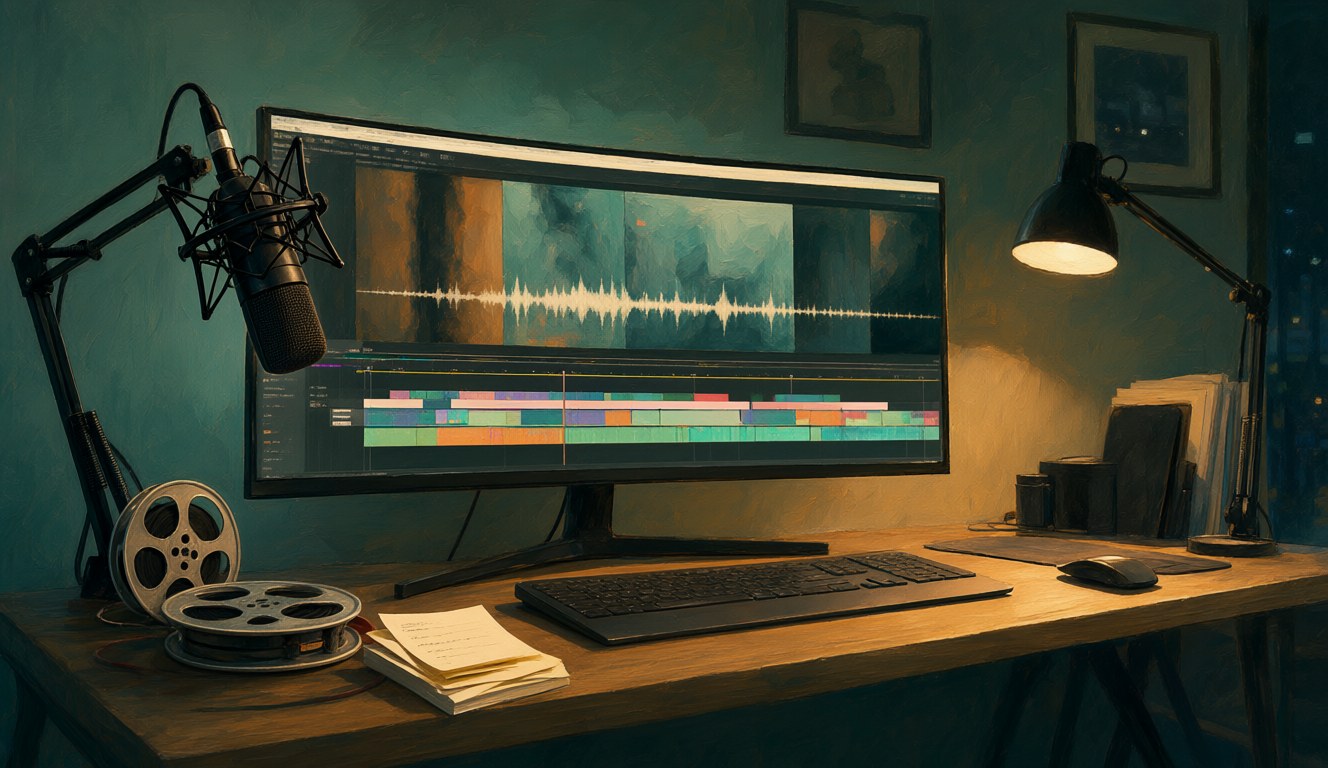
Yes. The edit is where the model earns the word director. Claude lays the clips against the transcript's timing, picks what runs where, and keeps the pace tied to the voice-over. I watch the cut and export it.
A video like this is fifty small decisions. Where a scene starts. Which of two clips survives. Whether a cut lands on the beat or half a beat late. How long a still holds before it moves. When one model makes those decisions well, you feel it immediately. When it doesn't, the video feels assembled.
Which AI model directs the most professional video?
Claude Opus 5.5. Same tools, same voice note, four directors, and only one finished video looked professional to me.
| Model (as director) | How the finished video looked |
|---|---|
| Claude Opus 5.5 | The most professional of the four |
| Kimi K3 | Less professional than Opus 5.5 |
| GLM 5.3 (Zhipu) | Less professional than Opus 5.5 |
| MiMo-V2.6-Pro (Xiaomi) | Less professional than Opus 5.5 |
By directing I mean the whole chair: breaking the transcript into scenes, writing the Google Flow prompts, choosing which shots become Qwen stills, and cutting the final video. Kimi K3, GLM 5.3 and MiMo-V2.6-Pro each ran that same job. The Opus 5.5 video was clearly the most professional.
This is one person's test, not a benchmark. It only says which model directed best for me on this job. Kimi K3 and GLM 5.3 have appeared in my model comparisons before and they are strong there. For this director's chair, Opus 5.5 won.
MiMo-V2.6-Pro still wins on price. It animated my Brisbane Short as HTML code for about US$6 a month, against Claude's US$20 plans with 4-hour windows. For directing this video, finish won over price.
What does the finished video look like?
It is the Cantonese podcast video on my Brisbane migrant life essay, with English subtitles.
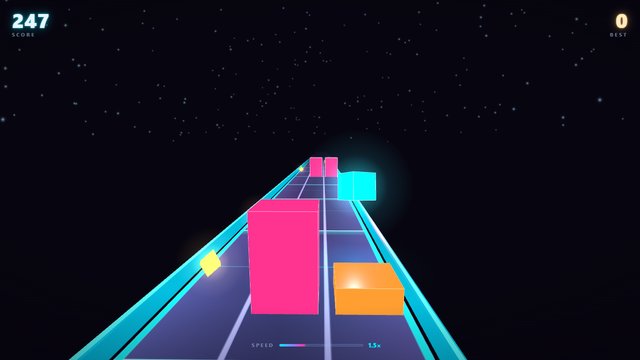
More on making things with AI: Brisbane Migrant Life: When Friends Become Your Family (the finished podcast video), Motion Graphics Without Claude: MiMo V2.6 Made This Short, my Qwen Image and LTX timings on an 8GB GPU, and the earlier Kimi K3 and GLM 5.3 comparison. For a game one model built in one prompt, play Neon Runner.
Tested on 23 October 2026. The images in this post were made locally with Qwen Image 2.1. AI helped me edit the English.